

Tips for Ensuring Best Results with Forehead Thermometers
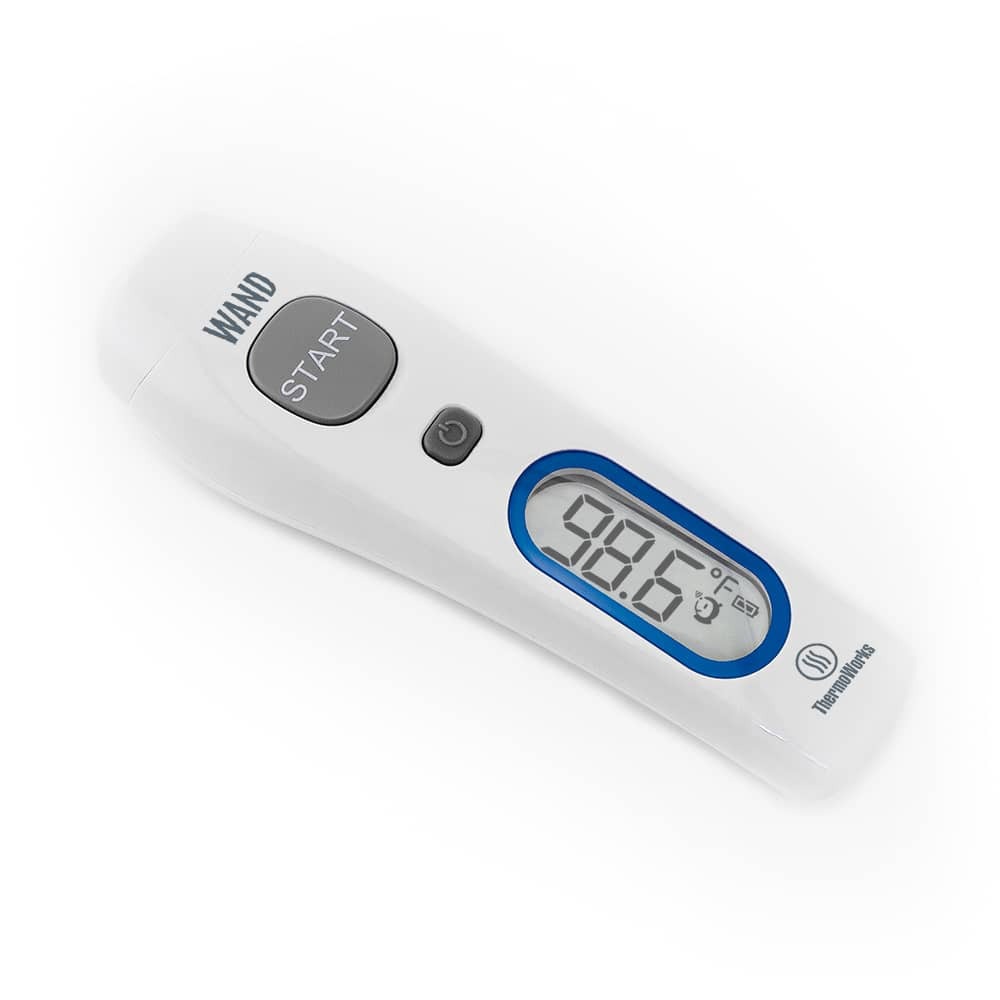
The ThermoWorks WAND™ and WAND Blue™ are the easiest-to-use, most accurate, and most durable forehead thermometers you can buy, and they are backed by ThermoWorks’ unmatched accredited calibration lab and technical support. ThermoWorks is the leading thermometer company in the country.
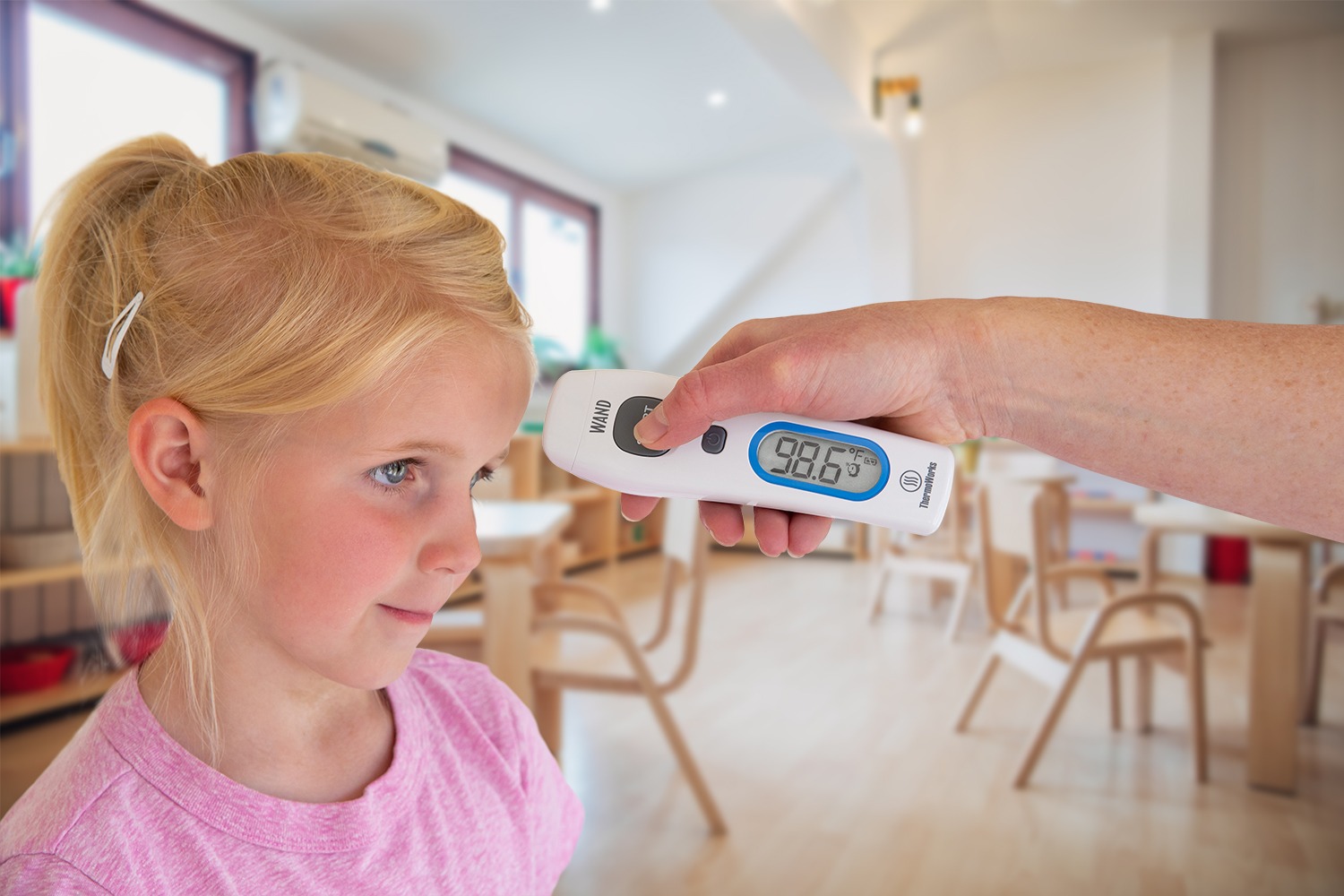
Though WAND and WAND Blue are feature-rich, they are also remarkably easy to use. Simply…
- Press the power button to turn it on…
- Hold WAND 1–2 inches away from the center of the forehead (the thermometer should be perpendicular to the forehead), and…
- Hold the START button for 1 second.
The reading will appear on the screen. It’s that simple.
That said, whether you’re using WAND or some other forehead thermometer, here are some helpful tips to ensure you get the most accurate readings for screening human temperatures in the workplace or at home with your family.
Tip 1: Make sure to only measure the forehead
- Brush any bangs or hair to the side to fully expose the forehead.
- Remove any hats or headbands (and wait a few minutes for the forehead to cool).
- Gently pat away any perspiration (as micro droplets of perspiration in the pores can actually lead to a lower temperature reading).
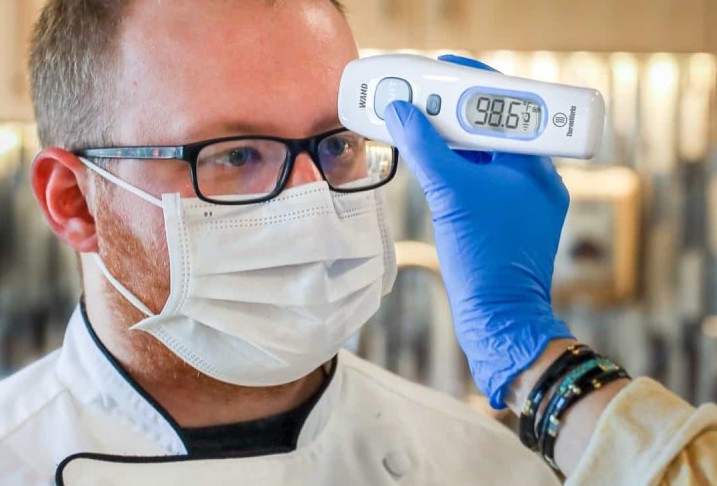
If the temperature reading doesn’t look right, make sure you are holding the WAND perpendicular to the forehead, 1-2 inches away, and try again.
Note that nothing is being emitted by the WAND or any infrared forehead thermometer. Think of an infrared thermometer like a temperature camera. When you press the button, it takes a “picture” of the lightwaves already being emitted by your forehead and converts that snapshot into a temperature reading. There are no lasers or waves coming from the infrared thermometer itself towards the head. It is only catching already existing light waves.
Tip 2: Be aware of the environment
- Avoid standing directly under a cold or hot air vent or in direct sunlight.
- If your subject has just come inside from a hotter or colder outdoor environment, simply wait several minutes while they become acclimated to the indoor temperature for an accurate reading.
- The non-contact forehead thermometer should also be allowed 10 minutes or so to acclimate to the temperature where the reading will be taken.
- Note that a bad sunburn on the forehead causes inflammation of the skin which will temporarily increase the temperature of the skin. If the person you want to measure has a bad sunburn, you may want to take their body temperature in another way. Although WAND is designed specifically for forehead temperature, in a pinch you could point the sensor at the large blood vessels in the wrist and get a similar result.
Tip 3: Be informed about acceptable human body temperatures
Modern medicine has learned that everyone’s “normal” body temperature is actually different and can range anywhere from 97°F to 99°F (36.1°C to 37.2°C). It can change during the day, as well.
WAND is not malfunctioning, nor is it inaccurate, if it doesn’t read 98.6°F (37°C) for a healthy person. Any reading from 97°F to 99°F (36.1°C to 37.2°C) is considered normal.
We recommend taking a person’s temperature with WAND a number of times throughout the day over a period of time while the person is healthy to determine what their unique baseline temperature range is. Normal body temperature is generally lower than most people think. (For more info, we recommend you review this article: Body Temperature: What Is (and Isn’t) Normal?)
That said, if the thermometer detects a temperature of ≥99.5°F (37.5°C) using forehead mode, you will hear three short beeps followed by one long beep, indicating the possibility of fever.
Here are some additional tips specific to the ThermoWorks WAND forehead thermometer…
Calibration
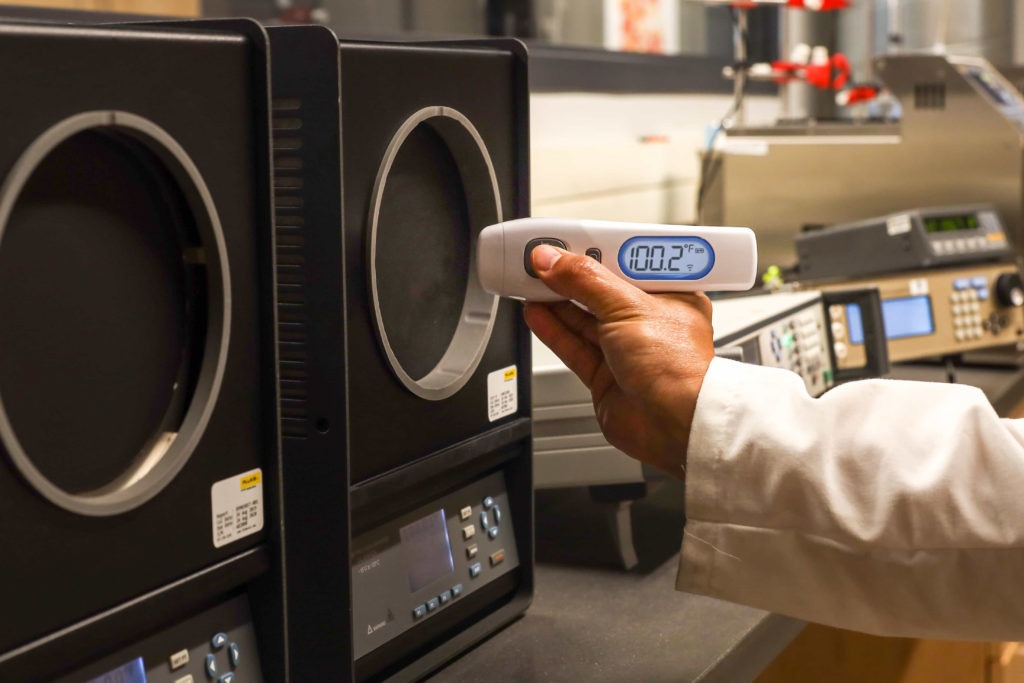
Since oral, armpit, eardrum, and forehead temperatures can differ by a degree or more, you cannot “calibrate” or check an oral, armpit, eardrum, and forehead thermometer together as a means to determine the accuracy of your WAND. However, WAND’s accuracy has been tested and verified in our A2LA accredited calibration lab against accurate, scientific blackbody sources and is put through rigorous QA test procedures.
Lights and sounds
WAND was designed to not wake sleeping patients, so the beep you hear when taking the temperature is purposefully very soft. The beep lets you know when WAND is done taking the temperature, but it is not intrinsic to the temperature taking itself—WAND will continue to take temperatures properly even if the sound is muted.
It only takes WAND 2 seconds to reach the “ready state” after turning it on or taking a reading, and the reading itself only takes 1 second. This means that WAND is essentially always ready to go—it actually takes longer to turn and look at the display than it takes for WAND to be ready to take the next reading.
If your WAND fails to beep, check to see if it is muted. To turn the sound back on, press and hold the button power button for 3 seconds. (Follow the same directions to mute the instrument.)
To help read temperatures in dim light, WAND has a bright, built-in blue backlight that automatically turns on and off when taking readings. The soft beep confirms the reading is complete, then there is a very short pause before the backlight comes on for easy viewing of the display. The backlight then shuts off again to preserve battery life. This whole cycle allows plenty of time to see the reading before the backlight goes off.
Tip: Don’t wait after releasing the button. Just rotate the thermometer and read it as soon as it beeps.
Battery life
WAND uses very little energy, with an expected battery life of 3,000 hours of use. Since each reading only takes a couple of seconds, that’s a lot of readings! But of course, the batteries won’t last forever.
Note that if you use the thermometer and the screen says “Lo,” that does not mean that the batteries are low, but that the measured temperature is too cool for the range of the thermometer—below 93.2°F (34°C). Similarly, a reading that says “Hi” indicates a temperature above the measuring range, above 108°F (42.°C).
The memory function
To help track the temperatures of many people, or of one person over time, WAND stores the last 25 readings. If you want to cycle through them,
- Start with WAND turned on.
- Press the power button once quickly. The memory icon will appear alongside the first saved temperature.
- Press the power button again to cycle to the next saved temp, and so on.
Using the ThermoWorks Health app
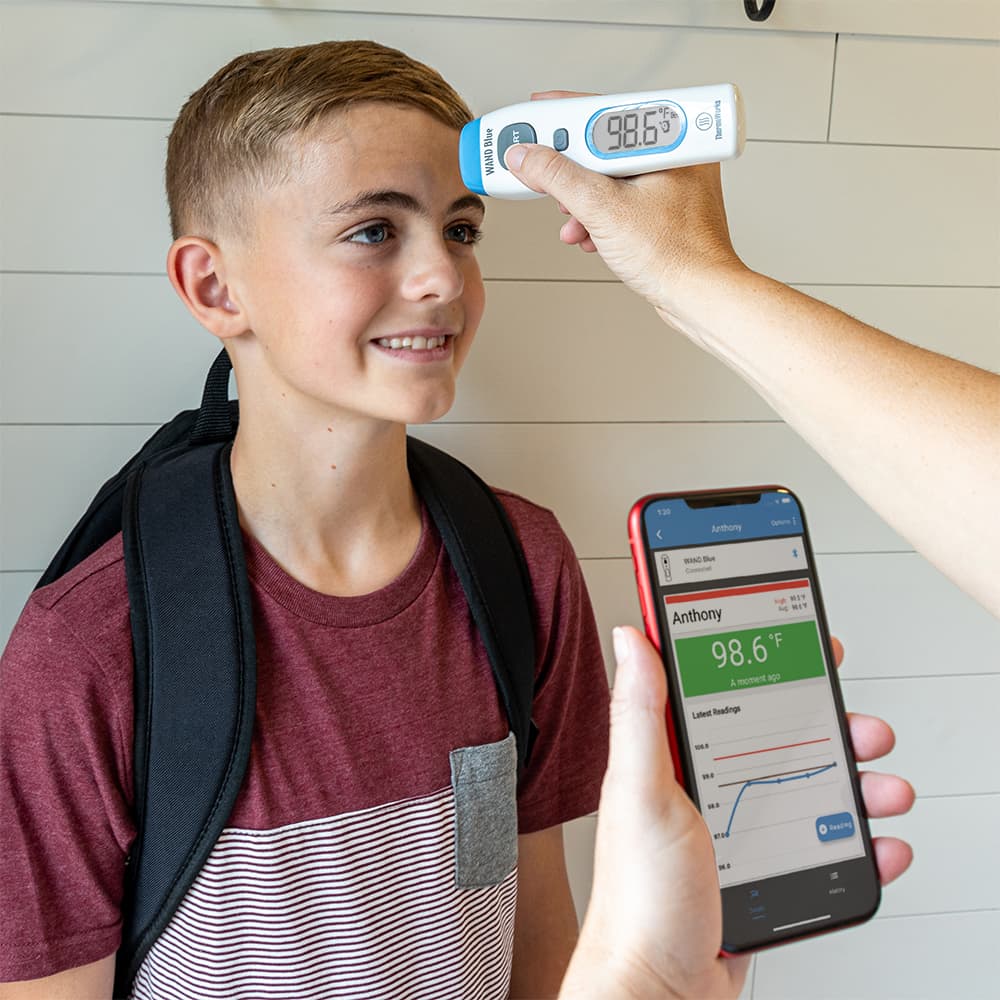
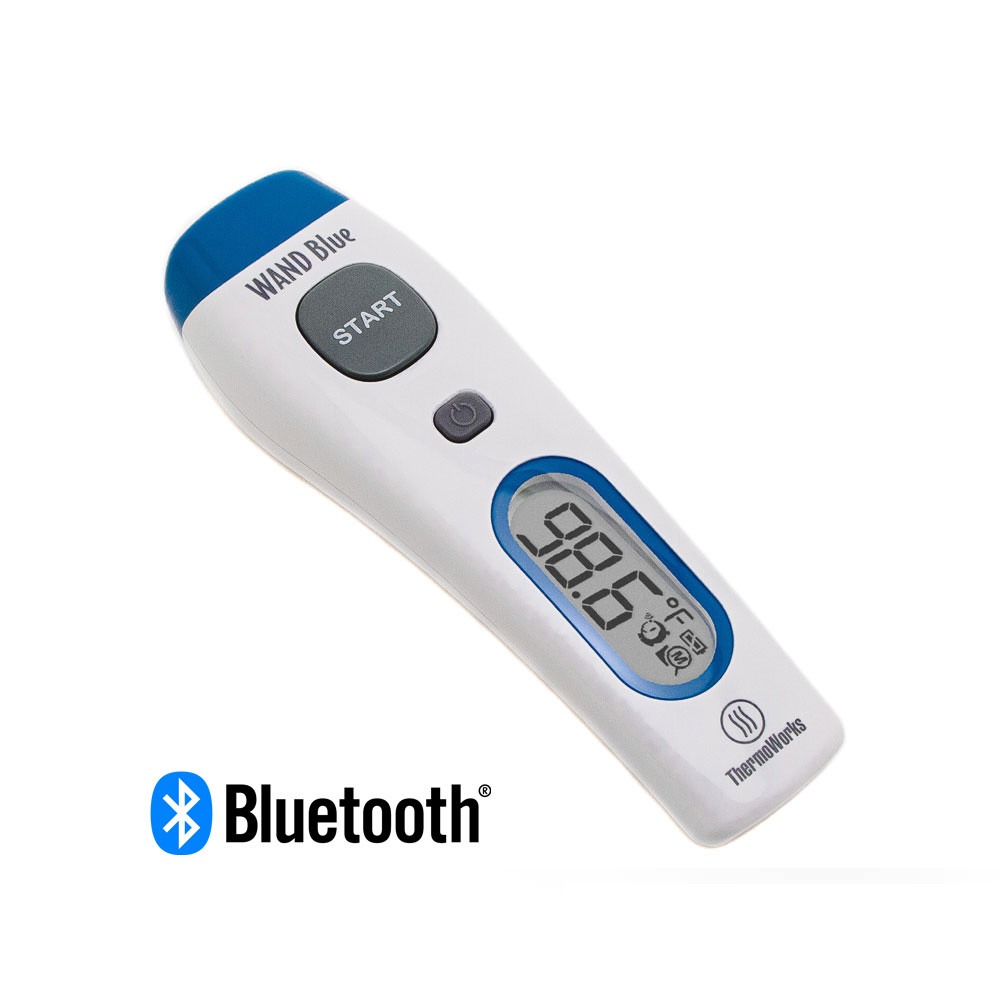
If you have the WAND Blue No Touch Bluetooth Forehead Thermometer and the free ThermoWorks Health app that goes with it, tracking temperatures is even easier. Each time you take a temperature for a particular person—each of your children, for instance—you can automatically save their temperature in a separate location within the app and compare it to previous measurements. Amy’s temps get sorted with Amy’s and Anthony’s temps with Anthony’s. The ThermoWorks Health app (available now in the Apple App Store or the Google Play Store) can store data for up to 15 different individuals, and each can be color-coded and graphed for easy reference. Even add notes for things like when you administer medication or have a doctor’s visit.
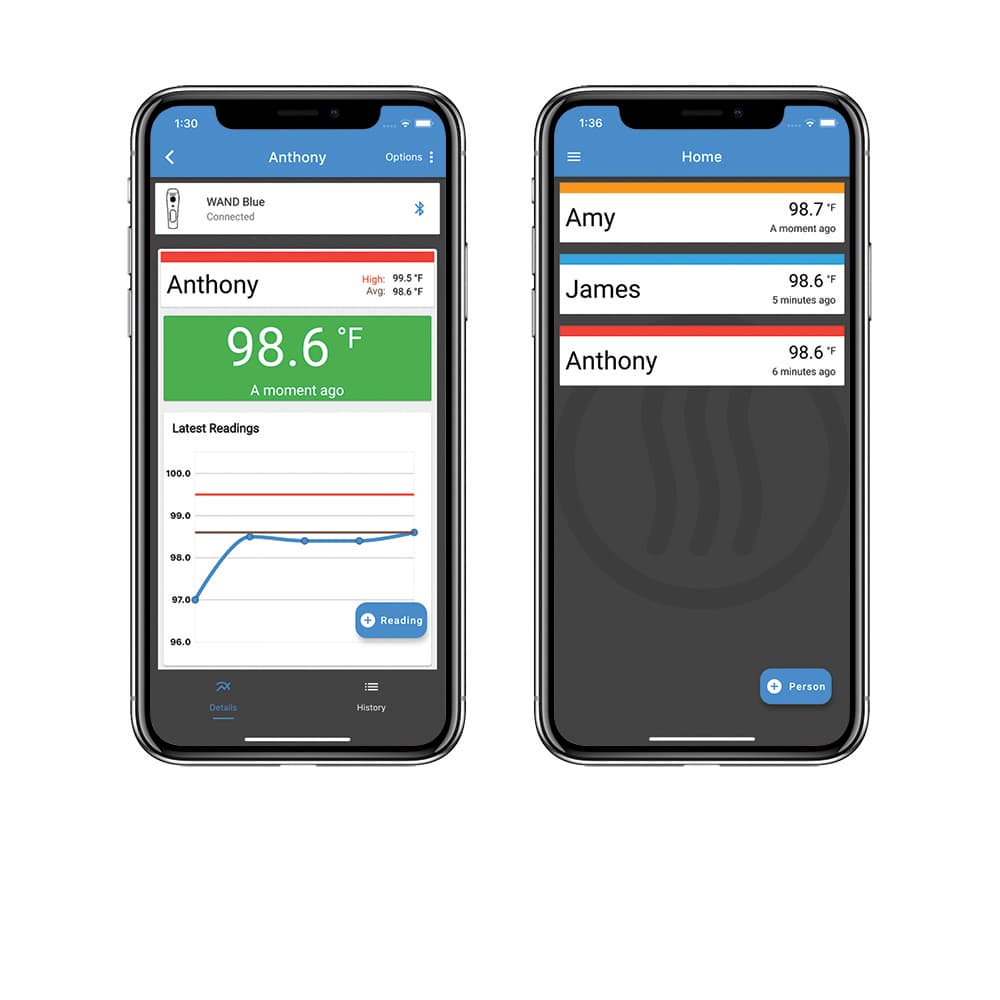
Tracking each person’s temperatures over time helps to establish a baseline against which you can compare temperature spikes. And the integration with the app through Bluetooth® wireless technology is automatic. Simple turn on WAND Blue while the app is open and every temperature you take is stored on your phone. Of course, WAND Blue has the same accuracy and dependability as WAND.
Cleaning and storing your WAND
To clean WAND’s body, simply use a sanitizing wipe or mild cleaning solution and a paper towel to clean and disinfect the surface.
If you feel you need to clean the lens—which is the most delicate part of the instrument—use a soft cloth or cotton swab moistened with rubbing alcohol or ethanol and allow the lens to dry fully before using it again.
Note that plain water should not be used, nor should other glass-cleaning chemicals.
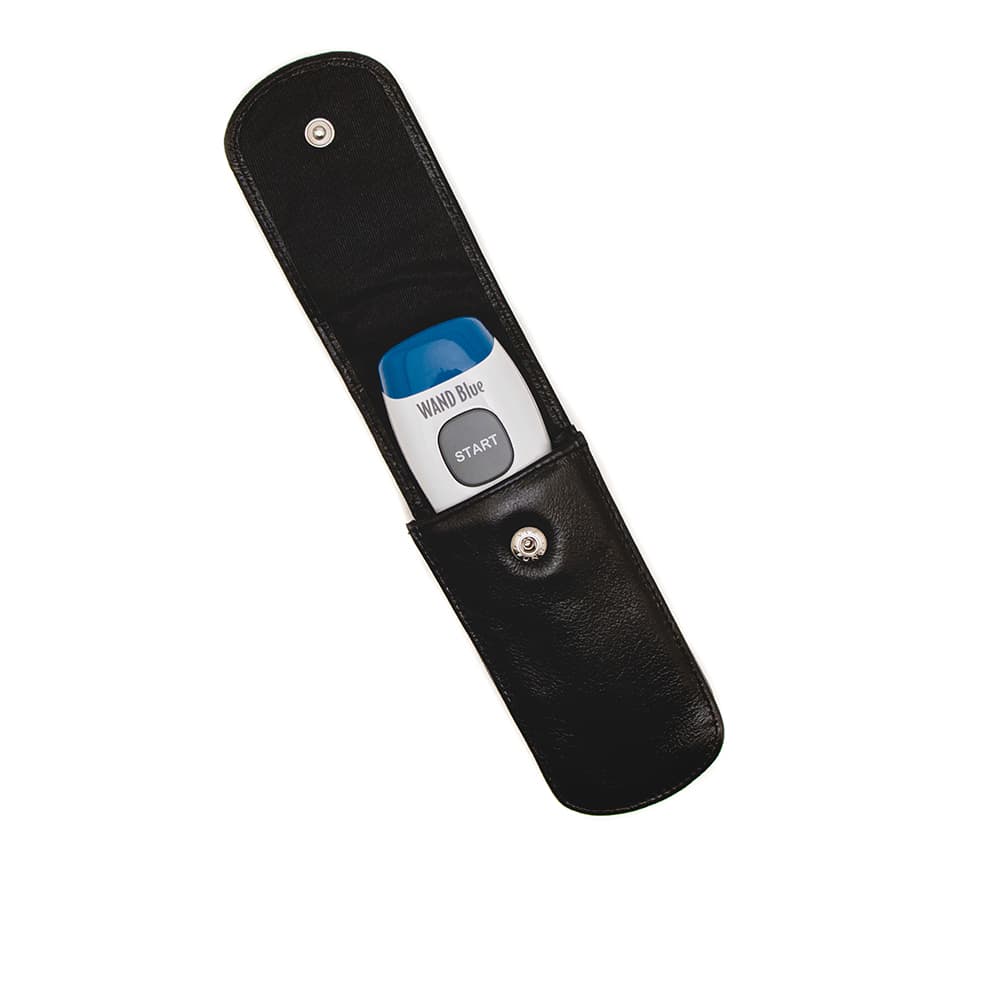
ThermoWork’s Small Zippered Storage Case, Thermapen Leather Wallet, and Protective Zip Wallet can be used to store WAND. If you choose the Thermapen Leather Wallet, make sure to insert WAND’s lens first as this will prevent accidental pushing of the power button when you close the clasp. If you inadvertently power WAND on while it is in the case, it will auto-off in 60 seconds to save battery life.
Conclusion
By following these simple tips, you can ensure accurate results with any infrared forehead thermometer.
- Make sure to only measure the forehead
- Be aware of the environment
- Be informed about acceptable human body temperatures
But for best results in your workplace or with your family, consider the ThermoWorks’ WAND forehead thermometer made by the nation’s leading thermometer company.
Shop now for products used in this post:



Really appreciate these tips! Very helpful. Received our Wand about a month ago and find it so easy to use. Have recommended it to family and friends.
What and where do you find the silicone boot that is mentioned several times?
Silicone Boot
You mention cleaning the lens, but the lens is deeply recessed and I don’t really see how I could clean it, or how it could possibly get dirty. Or is a part missing? I haven’t
seen a close up of the lens on the website.
The lens is deeply recessed in the body, yes. The chances of it getting dirty are purposefully very small, but if something were to splash into it or if it were improperly stored so that dust could settle on the lens, it might necessitate cleaning.
To be accurate, infrared thermometers must be kept free of dirt, dust, moisture, fog, smoke, and debris. Always take the time to clean your infrared thermometer after exposure to dirty, dusty, smokey, or humid conditions. You should also plan a regular cleaning every six months or so. Particular care should be taken to keep the infrared lens and tunnel clean and free of debris.
To clean your infrared thermometer:
Dip a soft cloth or cotton swab in medical alcohol (never use soap or chemicals).
Carefully wipe the lens first and then the body of the thermometer.
Allow the lens to dry fully before using the thermometer.
Never submerge any part of the thermometer in water.
Question from a School Nurse,
Can the Wand thermometer be used on the wrist? I have tried this multiple times and get a 1-2 degree difference between the wrist and forehead readings. I prefer to use it on the forehead but some parents are refusing to have their kids temp taken on the head.
the algorithm for adjustment between the forehead and internal temperatures is not set up for conversion between wrist and internal, so we cannot advise that.
However, if parents are worried that we’re shooting radiation at their kids, they needn’t be! IR thermometers like the WAND are passive sensors, which is to say that they don’t shoot anything out of them, they only absorb the thermal radiation that comes into them. They have zero radiation output—no laser, no nothing. The only thing they do is collect the IR that is leaving the child’s forehead. I hope that helps!
Should there be a difference in temperature when it is measured at the temple vs. the center of the forehead? If so, what is the reason behind this? Thanks!
Either location should read the same unless the target is sweaty, etc.
I get a 1-2 degree difference between center of forehead and temples(both sides) consistently. Which reading should I use?
The forehead, or whichever surface has less perspiration on it, if any.
We lost the operating instruction for our Wand. Where can I down load the operating instruction for these units? The beeper got turned off and there are other functions I don’t know how to access.
You can get them here, or on the WAND page of our website under the “More info” tab on the product page.
I have found that readings seem higher on a sweaty or greasy forehead, but your notes indicate that it gives a lower reading. Can both be true?
A greasy forehead, for sure, a sweaty one might, if the person is still very hot to make themselves sweat. For the very best reading, wipe the forehead and then immediately take the temperature.
I consistently get a “Lo” reading from the wand when using it on my forehead. If it registers anointing it is usually in the 94-96 range. How can I trouble shoot it or recalibrate it?
Thanks
When the WAND reads Lo, it usually indicates that too much ambient light is getting to the lens.
Try holding the WAND closer to the skin, almost touching, and then taking your temperature. You can also use your temple as another place to take your temperature.
I consistently get the “Lo” reading, too. Very frustrating when have a sick child at home from school and can’t get a reading.
This sounds out of the ordinary for this product – give our tech support team a call 801-756-7705