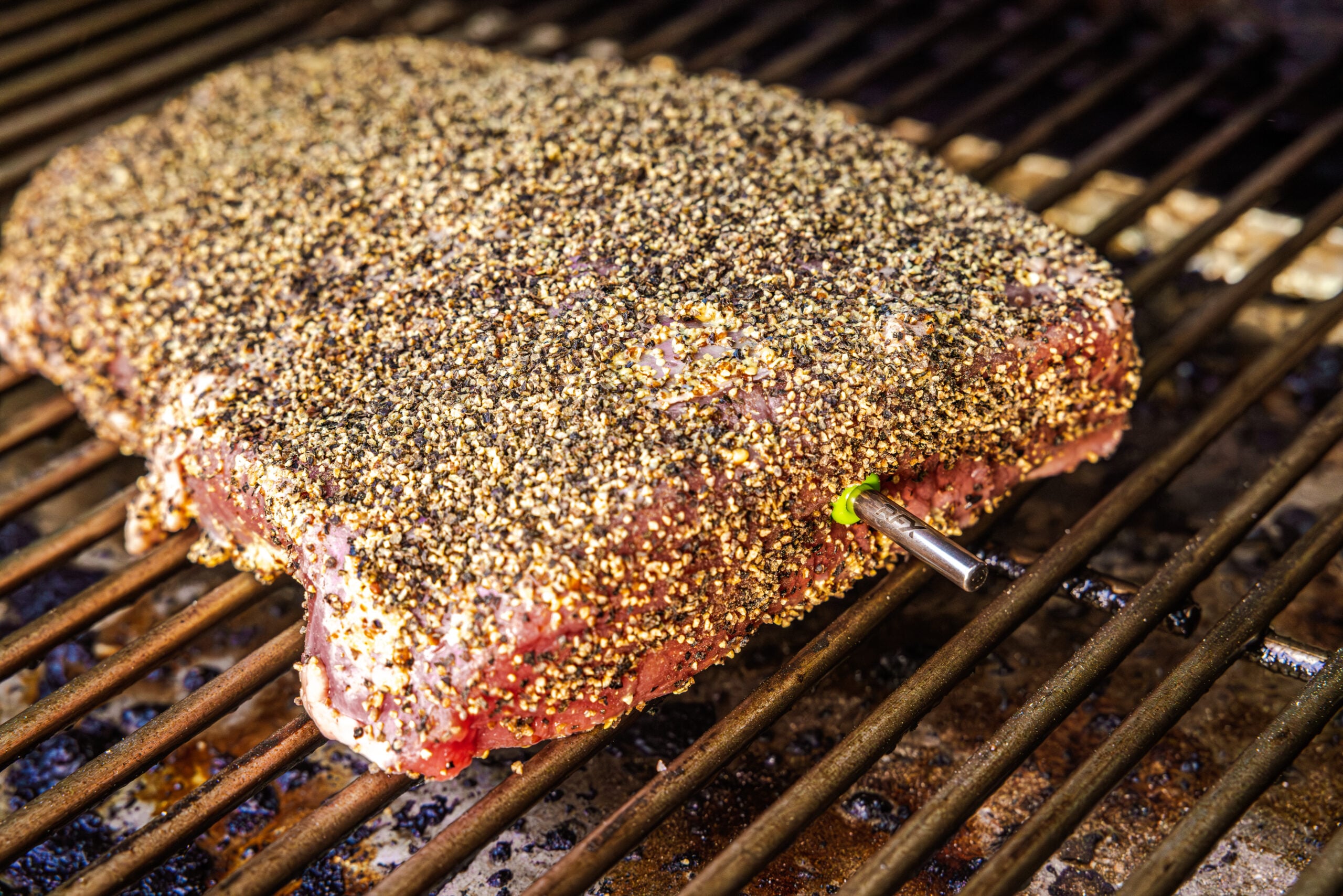
Smoked Corned Beef recipe
We followed the advice given at Taste of Home to smoke ours
Ingredients
- 1 Corned beef, raw Purchased or home-cured
Instructions
- Preheat your smoker to 275°F (135°C). If you're using the Billows™ BBQ control fan with your RFX GATEWAY, set the fan temp for 275°F (135°C), otherwise, set your high-temp alarm for 300°F (149°C) your low-temp alarm for 250°F (121°C) and monitor your smoker with the included air probe to make sure it stays in the proper range.
- Rinse your corned beef and pat it dry.
- Insert your RFX MEAT probe into the corned beef and place it in the smoker. Set the high-temp alarm for 160°F (71°C).
- When the alarm sounds, place your beef in a pan and add boiling water to come 1/3 of the way up the side of the meat.
- Wrap the pan tightly in foil, insert the probe through the foil into the meat, and reset your high-temp alarm for the meat to 203°F (95°C).
- Cook the corned beef in the pan until the alarm sounds. Verify that the meat has reached 203°F (95°C) throughout by spot-checking with your Thermapen ONE.
- Remove the corned beef from the water pan and, if it needs further tenderizing, wrap it tightly in two layers of foil, then wrap it in a few towels and stash it to rest in a cooler for an hour or two. But if the tenderness feels right, it's time to eat.
- Slice thinly and serve!
Tried this recipe?Let us know how it was!